
Prepare with an online builder
Add your details, review your draft or preparation worksheet, and amend the wording with rich text editing.
Help with your OSAP supporting documents
Has OSAP or your school’s financial aid office asked for an affidavit? Notaryspace can help you arrange an appointment to swear or affirm your statement. Bring the request so the document can address the information being asked for.
Start with a template
Use our general supporting-affidavit template to organize your facts. You can amend it online, download a text copy, or print your draft.
This is a general drafting template, not an official OSAP form. If OSAP or your school provides a specific form or wording, use that instead. Do not sign until the person administering your oath or affirmation instructs you to.
What is an OSAP affidavit?
An affidavit is a written statement whose contents you swear or affirm are true before an authorized person. Ontario’s OSAP guidance identifies lawyers, commissioners of oaths and notaries public as people before whom an affidavit may be signed. Depending on the request, the person making the statement may be the student or a family member. Read Ontario’s OSAP definition of an affidavit ↗
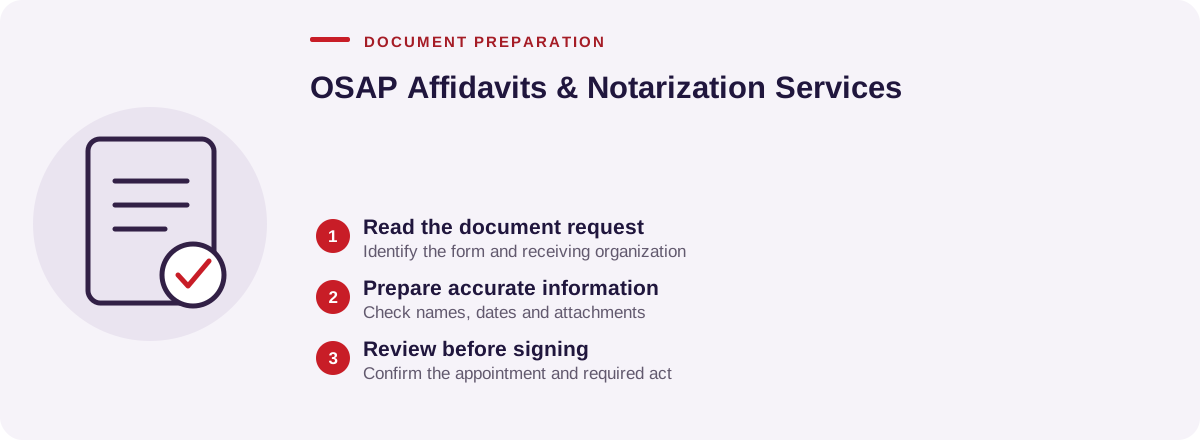
Check what your application actually requires
The purpose of your affidavit comes from the document request in your OSAP account or the instructions from your financial aid office. It might ask you to explain a personal or family circumstance, confirm particular facts, or explain why a supporting record is unavailable. A general affidavit does not automatically replace other required evidence.
- Read the full request and note the academic year or study period.
- Identify who must provide the statement and whether more than one person must sign.
- Check whether a prescribed form, specific facts or supporting attachments are required.
- Ask your financial aid office to clarify unclear requirements before your appointment.
OSAP publishes forms by academic year. Select the form for your application rather than reusing a previous year’s form. Find current official OSAP forms ↗
How to complete the general template
- Identify the person making the statement. Add their full legal name, location and relationship to the student.
- Identify the request. Include the school, study period and the particular matter OSAP or the financial aid office wants addressed.
- State the relevant facts. Use clear numbered paragraphs, with accurate dates, names and locations. Include only information the person making the affidavit can truthfully confirm.
- Explain missing records, if relevant. Describe the record and why it cannot be supplied only if the request calls for that explanation.
- Review the draft. Replace placeholders, remove paragraphs that do not apply and bring any supporting records requested. Leave the signature and commissioning section for your appointment.
The template is designed for one person making a statement. If the request requires both partners, parents or other signers, confirm the appropriate wording and signing arrangements with your financial aid office and the person administering the affidavit.
What to bring to your appointment
- The OSAP document request or the financial aid office’s written instructions.
- Your unsigned draft or the specific form you were given.
- Valid government-issued photo identification for each person who will swear or affirm a statement.
- Any supporting records or proposed attachments mentioned in the request.
In-person appointments are available in Mississauga. Ask our office whether your particular document can be commissioned remotely and whether your school will accept that format before choosing an online appointment. If you also need a certified true copy, that service is available in person only.
After your affidavit is signed
Keep a complete copy and submit it through the method specified for your application. Check that every page, signature and required attachment is clear and readable. The 2026–27 full-time application upload guidance calls for PDF files and does not accept password-protected files. Check the upload instructions for your document’s file-size limit. Read official OSAP upload instructions ↗
Follow the deadline on your specific request or form. Different document types can have different deadlines. An upload confirmation is not the same as approval of the document or funding; check your application status and respond to any further request.
Frequently asked questions
Does every OSAP applicant need an affidavit?
Use the supporting-document request for your application to determine what is needed. Do not prepare or pay for an affidavit just because another student was asked for one.
Can I change the template online?
Yes. Open the OSAP template in our editor to replace placeholders and amend the wording. The editor uses plain text and does not save or upload your answers. Download your draft before leaving the page.
Is this an official OSAP form?
No. It is a general supporting-affidavit template. Use any specific form or wording required by OSAP or your financial aid office.
Should I sign before the appointment?
No. Leave the affidavit unsigned until the authorized person gives you instructions and administers the oath or affirmation.
Does commissioning guarantee that OSAP will accept the affidavit?
No. OSAP or your financial aid office decides whether the document addresses its request and whether further evidence is needed. Commissioning does not determine your eligibility for funding.
Does my school offer this service?
Ontario’s OSAP guidance notes that some universities and colleges provide affidavit services free or at a low cost. Ask your financial aid office about available options.
Book your OSAP affidavit appointment
Tell our office what the request asks you to confirm and whether you have been given a form. We can discuss the appointment format and what to bring.
Book an Appointment →Official guidance reviewed October 30, 2026. Always follow the instructions for your own OSAP application.