
Begin with the original electronic record
A document issued as a PDF or through an online account needs a different preparation discussion from a photocopy of a paper original. Tell our office how the record was issued and exactly what the recipient has requested. A printout, screenshot and electronically signed original may not serve the same purpose.
What to prepare
- The complete file as received from the issuer, including all pages and attachments.
- Any verification link, reference number or instructions supplied with it.
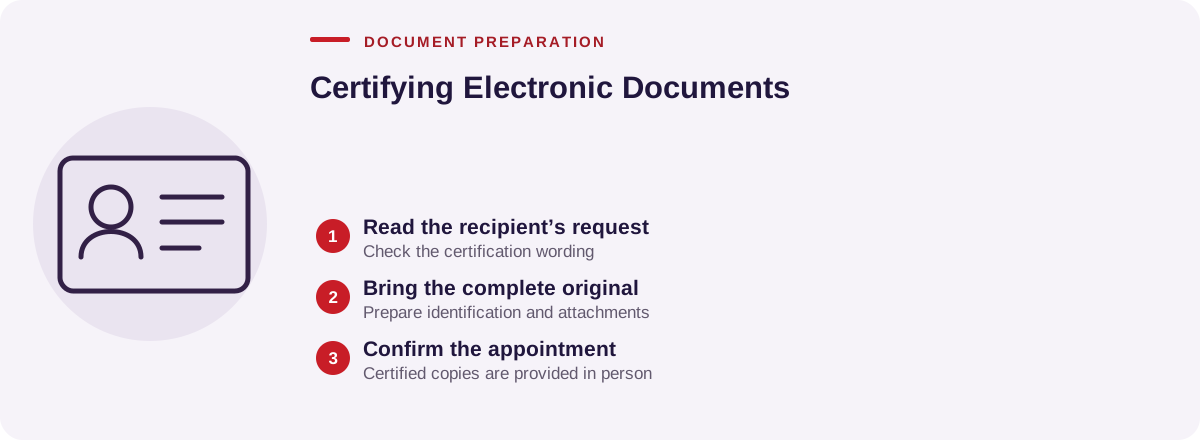
- The recipient’s wording for the certificate or attestation it requires.
- Your valid government-issued photo identification and any related paper original.
Keep an unchanged copy of the issued file. Avoid cropping pages, covering verification details or converting a digitally signed record in a way that removes its signature information. Ask the office how to share the file rather than sending account passwords.
What can be confirmed?
Explain whether the request is for a copy of a record, verification with an issuer, or a declaration about how you obtained it. These are distinct tasks. Our office will review the requested act and confirm the available service before you book. A copy certificate does not, by itself, establish that every statement in a record is correct.
In-person arrangements
Notaryspace provides certified true copies in person only. Bring the complete original record in the form requested by the office. A video call or emailed screenshot should not be assumed to satisfy a certified-copy requirement. Ontario’s notary guidance explains the physical-presence requirement for notarization.
Before submission
Ask the recipient whether it accepts a printed certified copy or instead requires a digital record sent directly by the issuer. If the document will be used abroad, confirm any translation or authentication requirements separately. Contact us with the document type and recipient’s instructions to plan the next step.